Portfolio as Critical Lens and Identity

A Portfolio is your business card, your identity, and your repertoire. It must be crafted carefully, as it represents your achievements and opens doors for your future.
There is no exact formula for the perfect portfolio, but there are design, representation, and content techniques that can make the result much more compelling.
Below you will see a “case study” of a portfolio that was accepted at top American universities and received more than 15 job offers from renowned international offices in 2020.
First, it is important to emphasize that each person must have their own style, one that represents their background and where they aim to go in their career. If you want to work in technical areas of architecture, then you must demonstrate your technical skills. If you want to work with conceptual design, then you need to present innovative and high-quality preliminary studies. And so on.
What all portfolios should have in common is consistency in representation and quality of content. Think of the portfolio as a narrative of your achievements, guiding the reader on a journey through your creations.

Part 1. Key Items for a Successful Portfolio
1. Identify Your Target Audience
Who will see your portfolio? Who will be your employer? These questions are the starting point for planning your portfolio and will guide both its content and representation.
Building a portfolio for a university means showcasing a broader range of skills, with conceptual, artistic, academic, and multi-scale projects.
Building one for a corporate office means demonstrating both technical and conceptual mastery of the profession, as well as the tools and software required in the field (Excel, Adobe Suite, rendering software, BIM and CAD modeling, etc.).
For an interior design office, you might emphasize knowledge and technique in smaller scales, space composition, detailing, project visualization, furniture design, knowledge of materials, and so on.
There are overlaps between all niches in architecture, reinforcing the idea that each portfolio must be developed specifically for its intended purpose — whether to land a job, win a scholarship, or build self-promotion.
2. Create a Consistent Graphic Language
Your graphic language defines the aesthetic sense of your portfolio. To succeed, you should create:
Text hierarchy
Image hierarchy
Consistency of colors
Consistency of captions
Consistency of layout
Text Hierarchy
Use a maximum of three font sizes and only two font families.
You might use one size for titles, one for body text, and one for captions. Fonts must remain consistent throughout the portfolio. For example, you might use one font for body and captions, and another for titles, or one for titles and body, and another for captions. The important thing is not to overuse font variations.
For very small text, serif fonts are recommended since their letter extensions improve readability.
Recommended fonts include:
Roboto
Avenir
Freight Book Pro
Open Sans
Playfair
Montserrat
Lato
Raleway
Cinzel
These fonts are extremely readable and have timeless design. Avoid flashy or hard-to-read fonts, as reviewers may quickly lose interest.
Image Hierarchy
Use no more than three image sizes throughout the portfolio. For example, you might want one main image size per project, a secondary size for general images, and a smaller size for supporting or reference visuals.
Consistency of Colors
Define a color palette that clarifies your ideas and projects. The palette is highly personal and sets the tone for how your portfolio will be read. Pastel tones are currently preferable, as they make content easier to read and prevent a heavy or visually polluted look. Light tones can highlight images and text, while dark tones can help convey a more exploratory feel.
Select one accent color to highlight important details. Magenta, red, or blue are desirable for this function.
Consistency of Captions
Captions are essential. They describe images and emphasize what matters, so they must always be applied rigorously and consistently. Text captions should always align with the information they reference, avoiding confusion or hierarchy conflicts. Graphic captions (symbols, scales, etc.) should be positioned consistently — ideally in the same spot on each page.
Consistency of Layout
The page layout must remain consistent across projects to ensure a uniform reading flow. Always use guides, and don’t be afraid of leaving white space. White space is crucial for breathing room between content. Don’t try to include every single drawing, text, or image for a project. Select only the essentials, and remember that reviewers often don’t have time to read everything. Keep your portfolio concise, simple, and easy to follow.
It is recommended to have between two and four page layout types per project (cover layout, introduction layout, drawings/diagrams layout, and images layout). These can be mixed and simplified.
Keep key information in the same place regardless of page layout (project title, year, scale bar, spacing, etc.), so the reader always knows where to look.
3. Curate Your Projects Critically.
Over time you will have more projects to add, but it is crucial to limit and qualify what goes in. The recommended number is between 5 and 10 projects, or about 20–30 pages. This way you can showcase your skills and design style quickly and objectively. The portfolio reflects your background and your style, so be critical when selecting content.
This connects back to item 1 — you must choose projects according to your audience. Each portfolio must be tailored to the entity or office reviewing it.
4. Diagrams Matter
Do not underestimate the value of a diagram. These drawings simplify the understanding of the project concept, speeding up reading and complementing information.
Concept diagrams, environmental analysis, structure, program, and volumetrics add value, demonstrate synthesis skills, and highlight your graphic style.
5. Don’t Overdo Technical Drawings
Technical drawings show mastery of practice, software, and representation. However, they should be scaled appropriately for the portfolio format. A common mistake is inserting an A0 drawing into an A4 or A5 portfolio. Simplify technical drawings for readability or add a scaled-down “thumbnail” version as a graphic reference.
Also, there is no need to include every technical drawing from a project. Only include what is relevant to the portfolio.
6. An Image is Worth a Thousand Words
Do not overuse text. Include short descriptions accompanied by clear, illustrative images and diagrams. A single strong image can replace several weaker ones and redundant text.
Part 2. The Content
What to Include:
Cover (mandatory)
Description of interests (optional)
Letter of Introduction and Intent (optional but recommended)
Resume (mandatory)
Table of contents (optional but recommended)
Projects with descriptions, diagrams, hand drawings, technical drawings, renderings or photos (mandatory)
References page (optional)
Cover
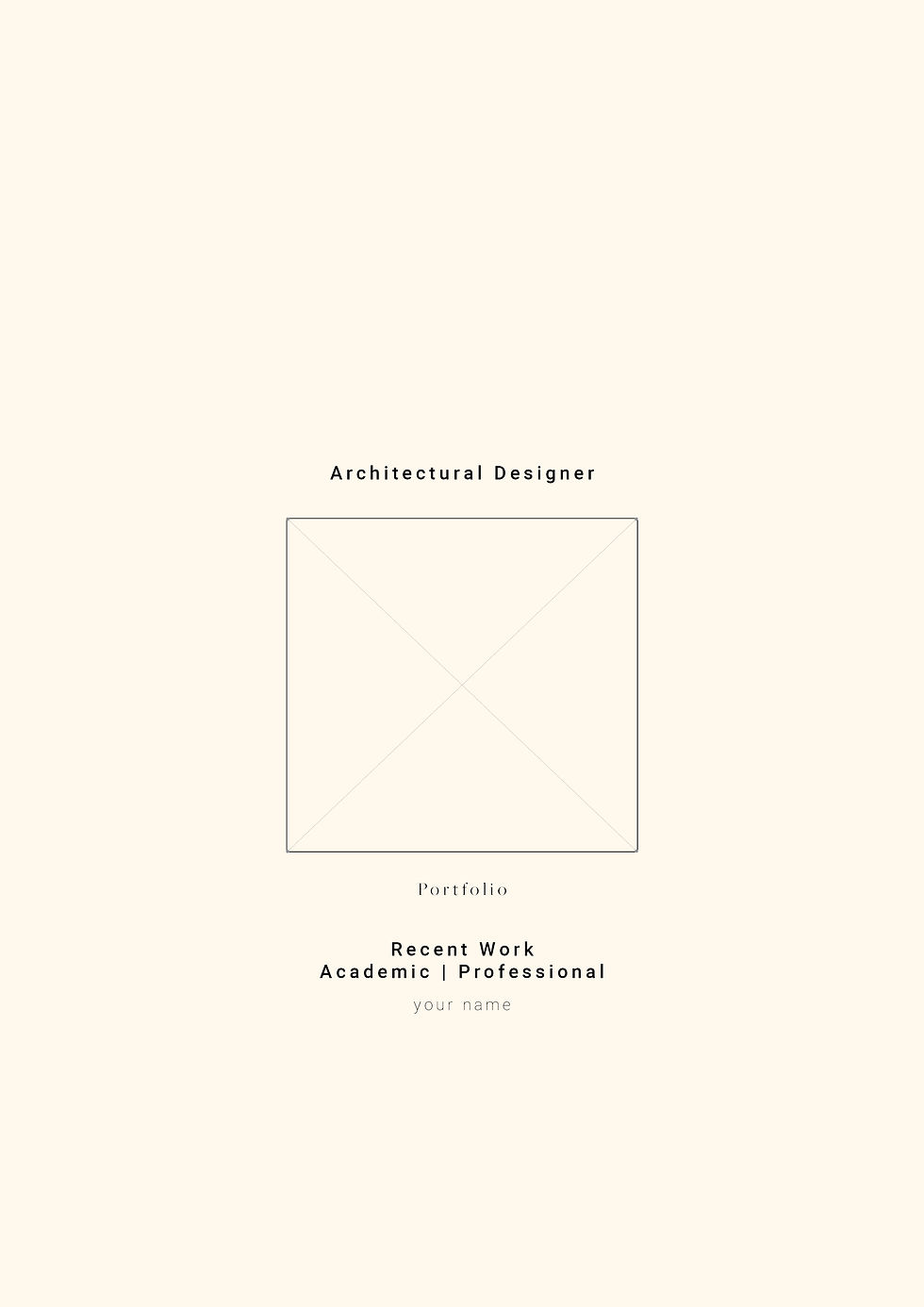
The cover is the first impression and a sample of your style. It should clearly state the title (Portfolio), your name, the year, and usually the role you are applying for or the academic program.
Description of Interests
On the first page you may add a short paragraph about your interests, goals, and background so the reviewer understands your professional intentions. Keep it to one paragraph only.
Letter of Introduction and Intent
The letter may be attached to the portfolio or placed in the body of the email when submitting. Although optional, it is recommended. Use it to narrate your professional experiences and explain why you are a strong candidate.
A possible structure:
Start by stating the position or program you are applying for
Briefly describe relevant work, research, or academic experience
Highlight your attributes and what makes you a good fit
Request a meeting or interview
Resume
The resume page should include contact information, work experience, education, and any relevant skills such as volunteering, courses, languages, or software.
If you have significant professional experience, start with past roles, your responsibilities, and the projects you worked on. If you lack professional experience, start with education in reverse chronological order. Mention relevant academic projects, competitions, or awards.
Always provide the location and date of each entry, and indicate proficiency level for each skill. Align text carefully and follow a visual hierarchy. For example, titles in uppercase and bold, descriptions in serif font, and body text consistent with title font but without bold. This technique draws attention to what matters most.

Table of Contents
Strongly recommended, as it makes navigation easier and shows organization. It can be condensed into a single page or subdivided by category, such as project typology or scale, with sub-contents throughout.

Projects
Always begin with your best project. First impressions matter. Decide whether to organize them chronologically or by typology.

Choose one image as the project cover to engage the reader and set a strong first impression. Select an image that conveys the project’s main concept. Alongside, write a short paragraph describing the project, your role, collaborators, and the location/year.

Continue describing the project while illustrating the text with images and diagrams.


Include plans, sections, and any drawings that explain the project. Filter the amount of information to ensure clarity.
Back Cover
The back cover should include additional information and your contact details. You may also add a references page, which can serve as a portfolio closure by showing your project inspirations and bibliographic sources. Alternatively, you can use this page to compile older projects that demonstrate range and experience.

Conclusion
The portfolio is the first impression for a future employer or university, and it demonstrates not only your skills but also your interests.
Always maintain consistency and prioritize readability, organization, and quality. Use this opportunity to create a portfolio that represents who you are and who you want to be as a professional or academic. Do not hesitate to explore graphic styles and textual techniques. Be creative.
Proofread carefully and use high-quality, legible images. Reviewers lose interest when they see basic mistakes, and you lose the chance to demonstrate your potential.
Thousands of portfolios are produced daily by highly qualified students and professionals. Create one that makes you proud, that sets you apart, and that illustrates the full extent of your work and effort.


